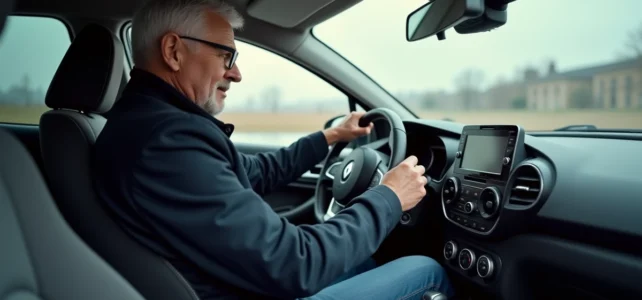
On a used Clio 4 retrieved with the lighting ring set to manual position, we sometimes drive for weeks without realizing that the automatic mode exists. The left stalk of the steering wheel controls all the exterior lights, and the rotating ring surrounding it allows switching between several modes, including the AUTO position.
Activating the automatic lights on Clio 4 takes less than ten seconds, but a few subtleties deserve attention, especially when the light sensor no longer responds as expected.
Clio 4 Light Sensor: Where It Is and Why It Can Be Problematic
Before touching the ring, it is essential to understand what drives the system. The light sensor is located on the upper part of the windshield, usually behind the interior rearview mirror. It analyzes ambient light and decides when to turn the low beams on or off.
This sensor works well on a new vehicle. On a Clio 4 that has been in circulation for several years, the situation changes. Field reports indicate erratic activation in humid conditions, related to the wear of the front optics and road pollution that dulls the sensor’s reading area.
Another point to watch: aftermarket tinted films applied to the windshield. Several owners report that these films interfere with the sensor, making automatic light activation impossible without recalibration at a dealership. If a tinted film has been installed and the AUTO mode no longer responds, this is the first avenue to explore.
For a complete manipulation guide, you can refer to the Moto Sites tutorial on activating automatic lights, which details each action with visuals.
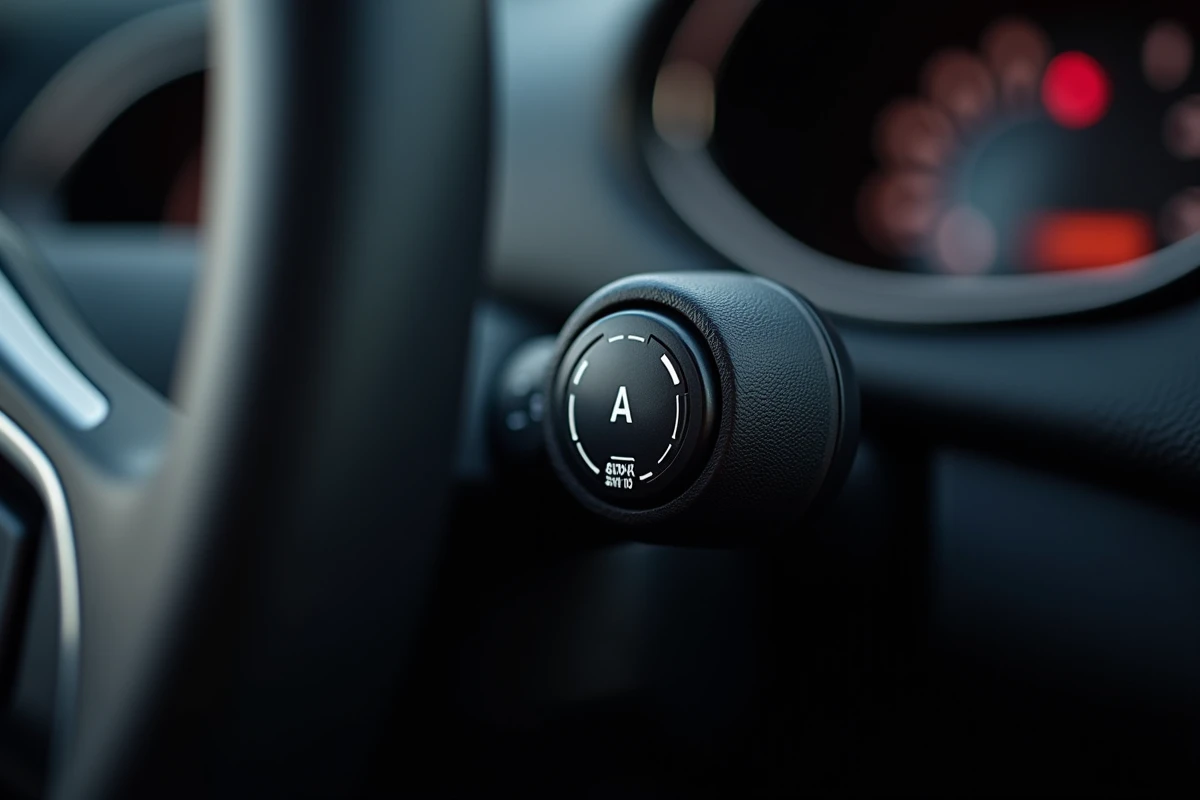
Activating the AUTO Mode on the Clio 4 Lighting Stalk
The stalk is located on the left side of the steering wheel. It features a rotating ring (marked as ring 3 in the Renault manual) and several positions identified by symbols.
Concrete Manipulation of the Rotating Ring
Turn the ring until the AUTO symbol appears in front of the marker located on the stalk. A distinct click confirms that the position is locked. On the dashboard, no specific indicator lights up for the AUTO mode itself, but the daytime running lights activate as soon as the engine starts.
While driving, the system automatically switches to low beams when the light decreases (tunnel, dusk, underground parking). It returns to daytime running lights as soon as the ambient light increases.
What the AUTO Mode Does Not Control
The automatic mode on Clio 4 does not cover fog lights. Unlike the Clio 5, which incorporates an adaptive mode with linked fog lights, the Clio 4 requires manual activation of the fog lights, regardless of the position of the ring. You must push or pull the stalk depending on the model to turn on the front or rear fog lights.
The AUTO mode also does not manage high beams. The activation or maintenance of high beams remains a manual action via the stalk (pushed forward).
Persistent Settings and Behavior on Engine Restart
A detail that many discover afterward: the AUTO position does not reset upon restarting. If the ring is set to AUTO, it remains there mechanically. There is no need to reposition it for each trip.
However, if someone else drives the vehicle and turns the ring to another position (position lights, manual low beams, off), it will need to be manually returned to AUTO. There is no electronic memory that forces a return to automatic mode.
Position Lights While Parked
A point often confused with the AUTO mode: manual position lights. On some versions of Clio 4, manual activation of position lights is only possible when the parking brake is engaged or the gear lever is in position P. If you try to activate them under other conditions, the message “Position lights unavailable” appears on the dashboard.
Quick Diagnosis When Clio 4 Automatic Lights No Longer Work
When the AUTO mode is engaged but the lights do not respond to changes in brightness, here are the checks to perform before visiting a mechanic:
- Check that the area of the windshield around the sensor (behind the rearview mirror) is clean, free of glue residue, tinted film, or accumulated dirt
- Inspect the condition of the front optics, as an opaque film on the headlights can distort the overall reading of the lighting system
- Test passing through a tunnel or covered parking to confirm that the sensor does not respond at all, rather than just a delayed activation
- Ensure that no update for the UCH (Central Body Unit) is pending at the dealership
Feedback varies on this point, but a thorough cleaning of the sensor area resolves the majority of cases of erratic activation without workshop intervention.
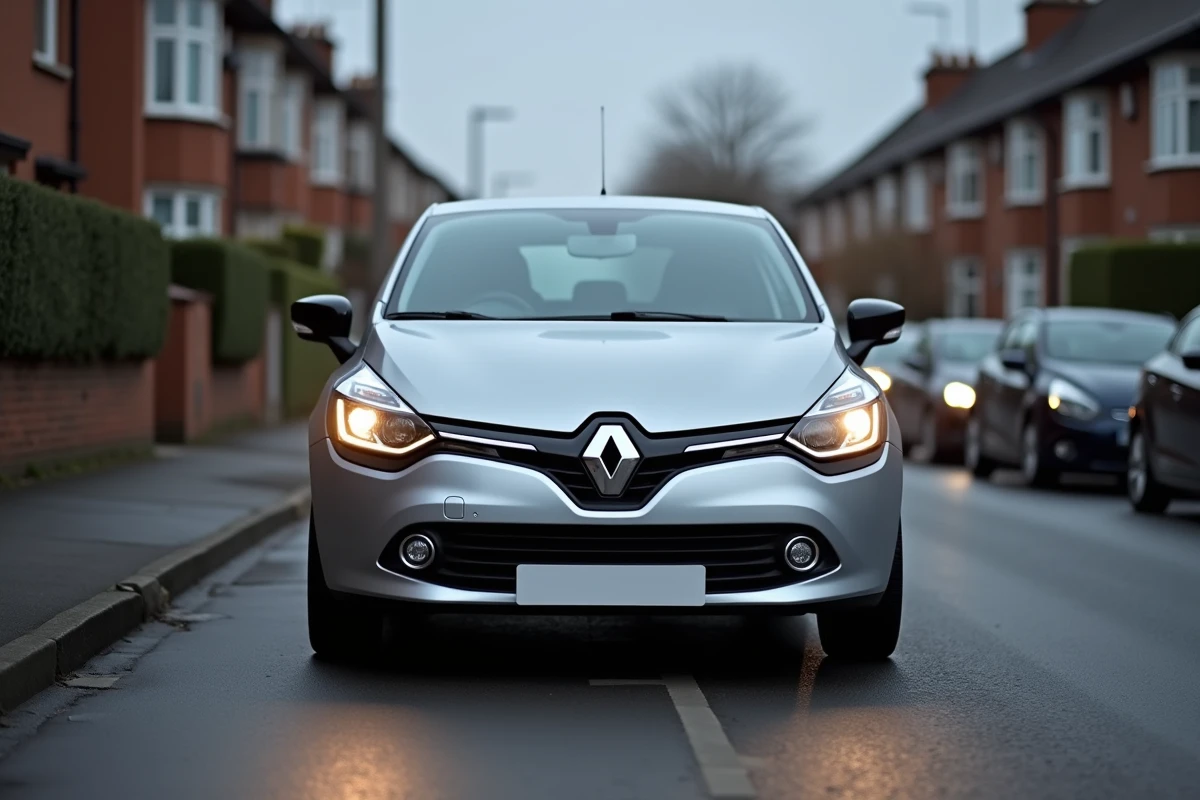
Clio 4 Automatic Lights and Technical Inspection: What You Risk
Driving at night without low beams on exposes you to a fine. The AUTO mode is designed to prevent this oversight, but it does not exempt you from visually checking that the lights are indeed on. A faulty sensor that does not trigger the low beams at night places the driver in violation, even if the ring is set to AUTO.
During the technical inspection, the operation of the exterior lights is checked. A non-functioning sensor does not trigger a re-inspection as long as the lights work in manual mode. The inspection point focuses on the condition of the bulbs, the orientation of the headlights, and the functioning of the low beams, high beams, and position lights.
On a Clio 4 that accumulates mileage, maintaining the habit of checking the responsiveness of the AUTO mode with each change of season remains the best practice. A replaced windshield, a spring cleaning, or prolonged parking in direct sunlight can alter the behavior of the sensor unexpectedly.