
A six-person team—three in a meeting room and three joining by video—needs to approve a production schedule. The three people in the room talk things through, make decisions among themselves, then sum up the outcome in two sentences for those joining remotely. The result: remote employees find out about decisions that have already been made. This scenario, common in hybrid organizations, illustrates a collaboration design problem, not simply a communication failure.
Sharing the floor in hybrid teams: the real project management lever
According to Insee, 22% of private-sector employees worked remotely at least once a month in the first half of 2024. That proportion is enough to create a structural imbalance in decision-making if it is not anticipated.
The problem is not the number of meetings. It is what happens between them: decisions migrate to informal channels that not everyone can access. A quick conversation in an open-plan office, a voice message in a small group, a document reviewed by two people in front of a screen. Every small decision excludes those who were not there.
One simple rule can help: any decision that affects the project beyond the day it is made must be recorded in writing in a shared channel, along with the context and the alternatives considered and rejected. Not a three-page meeting summary, but three timestamped lines. Dedicated project management platforms centralize these records, such as the one available at https://teamwork.fr, which organizes exchanges around tasks rather than scattered discussion threads.
Another habit that changes the dynamic: start every meeting by inviting remote participants to speak. Not as a courtesy, but because those in the room have already had a chance to talk among themselves.
Actual workload and collaborative task management
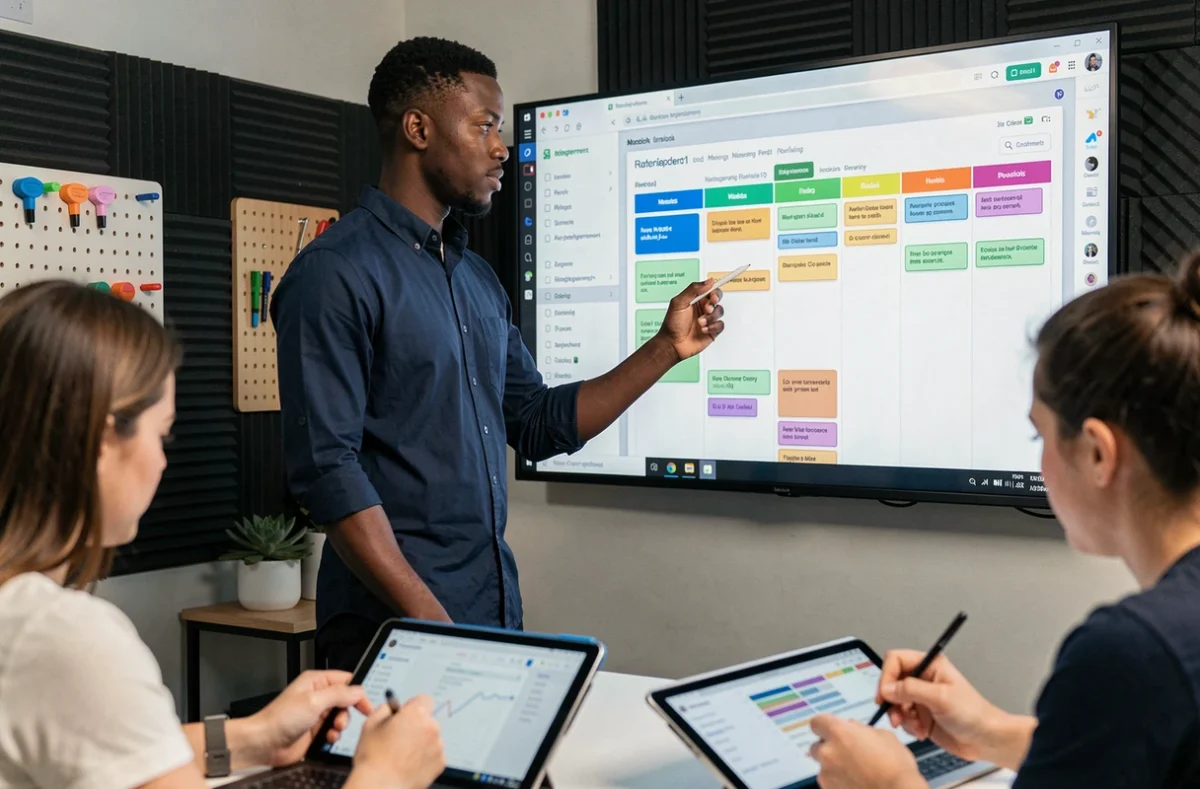
Most management tools display progress bars and estimated hours. What they do not show are interruptions, work resumed after a blocker, or undocumented dependencies between team members. Measuring workload by the number of projects alone does not reflect the work actually being done.
A developer handling four tickets in a week may have a lighter workload than a project manager handling just one, if the latter spends half their time following up with three contractors and clarifying an incomplete brief. Invisible workload—the work that does not show up on dashboards—is often what undermines collaboration before any conflict even arises.
Make workloads visible without adding bureaucracy
At the weekly check-in, each team member reports not on task progress, but on points of friction: waiting for approval, missing information, or a task that took three times longer than expected. This format requires the team to address obstacles collectively rather than face them individually.
- Identify blocking dependencies: who is waiting for what from whom, and since when. A shared board with three columns (task, blocker, request date) is enough to make these bottlenecks visible.
- Distinguish planned workload from unplanned work: unscheduled meetings, urgent requests outside the scope, last-minute reviews. Tracking these interruptions over a week gives a more accurate picture.
- Rotate less popular tasks: documentation, tool updates, supplier follow-ups. Without an explicit rotation, these tasks always fall to the same people.
AI-generated contributions and accountability for project decisions
More and more teams are using AI tools to write meeting summaries, generate draft schedules, or suggest responses to clients. The time savings are real, but they create a blind spot in project management: who checks the work, and who takes responsibility for the final decision?
Current recommendations for AI in project management emphasize human oversight. An automatically generated schedule may seem coherent while relying on false assumptions (a contractor’s availability, the duration of a technical phase). If no one is explicitly responsible for validating these assumptions, the team may discover the problem too late.
Set up a clear approval process
For every AI-assisted deliverable, appoint an approver—not necessarily the manager. It could be the person with the greatest expertise in the subject. Their role is to check the input data, confirm that the result is appropriate, and sign off on the version to be shared.
This process prevents two pitfalls. The first is accepting an automated summary without reviewing it because it “looks good.” The second is redoing all the AI’s work out of distrust, which cancels out the productivity gains. The goal is a focused review of decision points, not a complete rewrite.

Asynchronous communication: structure exchanges to protect focus
In a hybrid team, instant messages often replace a tap on the shoulder. The problem is that they fragment the workday in much the same way. An employee who gets a notification every twelve minutes never has a long enough stretch of uninterrupted time for focused work.
The solution is not to eliminate instant messaging, but to separate channels according to the actual urgency of the message. One channel for questions that can wait for a reply during the day. Another for alerts that require a response within the hour. Everything else goes through the project management tool and is linked to the relevant task.
This distinction, simple as it may seem, changes team dynamics. Employees learn to provide the necessary context in their requests because they know they will not get an answer within a minute. The quality of written exchanges improves, reducing back-and-forth and misunderstandings.
Remote work policies continue to evolve, sometimes in opposite directions from one company to another. Rather than looking for a fixed model, it makes sense to build collaboration rules that work regardless of the week’s in-office/remote split. A stable communication framework adapts to organizational changes better than yet another tool.